
Bulk update SEO titles and meta descriptions with Claude
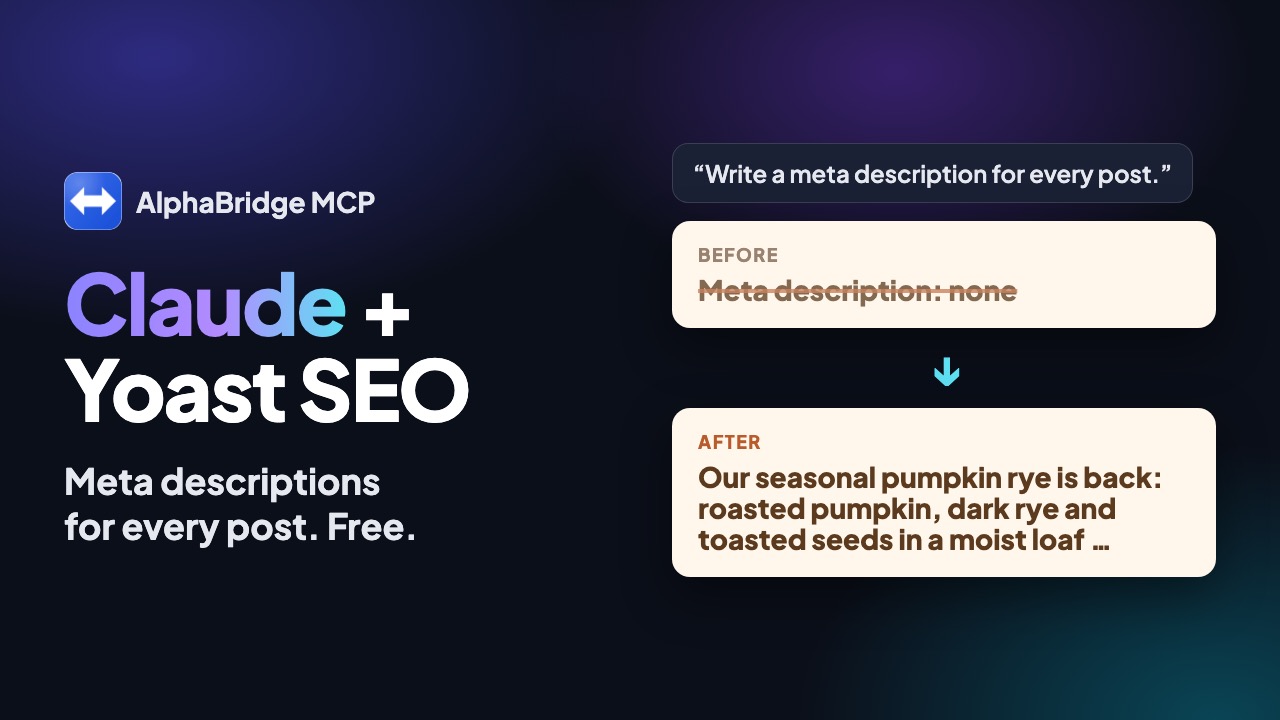
Claude reads the SEO title and meta description of each page and proposes better ones in a table. You approve, and Claude writes them into Yoast or Rank Math. The free plugin reads and writes these fields, so you can start with an audit right away.
What you need.
- AlphaBridge on your site. The free plugin reads and writes the SEO fields. For writing, switch on write access once.
- Yoast SEO or Rank Math.
wp_seo_setwrites the fields of these two plugins. AIOSEO is recognised, butwp_seo_getandwp_seo_setdo not cover its fields. - Claude or ChatGPT, connected. Claude connects through its connector directory. ChatGPT connects through a custom MCP server, from Plus upwards.
- Write access, for the last step. An administrator switches it on at the top of Settings → AlphaBridge MCP. Changes then take effect immediately and can be destructive.
In 6 steps.
Check the SEO plugin
Ask Claude which SEO plugin runs. It calls wp_seo_detect, which names Yoast, Rank Math, AIOSEO or none. The answer also says whether wp_seo_set can write that plugin's fields.
Read the current fields
Claude lists your pages or posts with wp_list_posts. For each one, wp_seo_get returns the SEO title, meta description and focus keyword. An empty field means no custom value is stored.
Get proposals as a table
Ask for one row per page, with the old and new title and the old and new description. Claude reads the page with wp_get_post, so the text fits the content. Nothing is written yet.
Approve row by row
Change or strike the rows you do not like. Then name the rows Claude may write. Save the table, because it holds the old values.
Write the batch
With write access on, Claude sets each approved row with wp_seo_set, one page per call. Then ask it to read the fields back with wp_seo_get.
Check, then take the next batch
Open a few pages and check the result. Then continue with the next 10 to 20 pages.
What to tell Claude
Plain words are enough. Claude picks the right tool.
- Which SEO plugin runs on my site, and can its fields be written?
- List my 20 newest posts with SEO title and meta description. Mark the empty fields.
- Propose a new title and description for each, as a table with old and new values. Write nothing yet.
- Keep titles under 60 characters and descriptions between 120 and 155. Use the language of each page.
- Write rows 1 to 8 as approved, skip row 5, then read them back.
- Set the focus keyword of the bike rental page to ‘e-bike rental Thun’.
Work in batches and keep the old values
A batch of 10 to 20 pages keeps the table readable. You see every row before anything is written.
The SEO tools have no undo, not even with Pro. Save the table with the old values, so Claude can write them back if needed.
- Start with pages that have empty fields, or with your most visited pages from your statistics.
- Tell Claude the brand name, the tone and any words to avoid before it starts.
- Ask Claude to flag pages that share the same title or description.
- Check the result of each batch, at least with spot checks.
Alt texts for images, with the free plugin
The free media tools handle alt texts too. wp_list_media lists the media library, and wp_get_media shows the alt text of one file.
wp_update_media changes the title, caption and alt text. It writes, so write access must be on.
The tools return the file address and its metadata, not a description of the picture. Check that each alt text matches what the image shows.
- Check the alt text of my 20 newest images and propose one where it is missing.
- Set the approved alt texts, then show me the list again.
What to know before you start
wp_seo_detect,wp_seo_getandwp_seo_setare free;wp_seo_setruns once write access is on.wp_seo_setwrites Yoast SEO and Rank Math. AIOSEO is recognised, but these tools do not read or write its fields.- The SEO tools have no undo, not even with Pro. Your saved table is the record of the old values.
- With write access on, changes take effect immediately and can be destructive. Switching it on is at your own risk.
- Claude can only do what your WordPress account may do. Reading and writing SEO fields needs an account that may edit the page.
- Each site needs the plugin. Up to 10 sites fit into one chat.
Questions and answers.
Can Claude update meta descriptions in bulk?
Yes, with the free AlphaBridge plugin and Yoast SEO or Rank Math, once write access is on. Claude calls wp_seo_set once per page. Approve a table first and work in batches of 10 to 20 pages.
Does this work with the free plugin?
Yes. The free plugin names the SEO plugin with wp_seo_detect, reads the fields with wp_seo_get and writes them with wp_seo_set, once write access is on. Alt texts too.
Can I undo SEO changes?
No. The SEO tools record no undo point, not even with Pro. Keep the table with the old values. Claude can write them back with wp_seo_set.
Which SEO plugins are supported?
wp_seo_set writes Yoast SEO and Rank Math. wp_seo_detect also recognises AIOSEO, whose fields you edit in its own panel.
Does ChatGPT work too?
Yes. Add your site in ChatGPT as a custom MCP server and approve on your site. This works from ChatGPT Plus upwards, and the steps stay the same.
Read on.
Pro on your WordPress site. Code, updates, database.
Pro brings 135 tools to your site, with code, plugin updates and undo for files too. The trial needs no card.