
Edit Elementor pages with Claude: texts, links and images
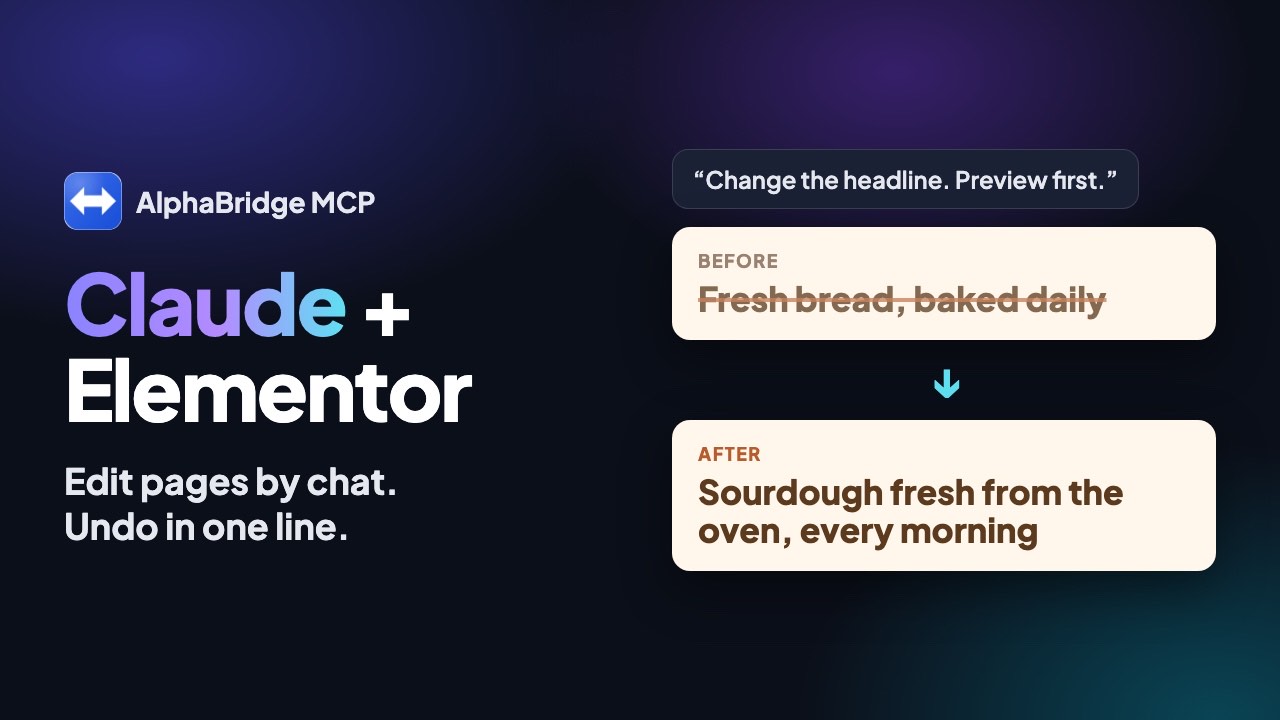
Claude reads an Elementor page as an outline of its elements. In the free plugin, it changes the text, link or image of one element after a preview. AlphaBridge saves an undo point first and reads the page back afterwards.
What you need.
- AlphaBridge on your site. The free plugin from WordPress.org reads the outline and changes the elements. It needs no account and no licence key.
- Elementor or another supported builder. The list below shows which builders are read and changed, as of 2 October 2026.
- Claude or ChatGPT, connected. Claude connects through its connector directory. ChatGPT connects through a custom MCP server, from Plus upwards.
- Edit rights and write access. The outline is for accounts that may edit the page. Saving a change needs write access, which an administrator switches on.
In 6 steps.
Find the page
Tell Claude the title of the page. It finds it with wp_list_posts, which can also list only the pages built with Elementor.
Read the outline
Claude calls wp_get_builder_layout. It returns every element in page order, with its id, type and visible text, link and image fields.
Ask for the change and look at the preview
Name the element and the new text, link or image. wp_update_builder_element runs as a dry run first. Nothing is saved yet.
Approve and save
Say yes, and Claude saves with apply=true. AlphaBridge records an undo point first. It saves through the builder where the builder has a save function.
Check the page
AlphaBridge reads the page back. If a field does not show its new value, it puts the page back. Then the builder's caches are emptied.
Undo if needed
One sentence is enough: “Undo the last change on the About page.” wp_undo puts every stored copy of the page back, byte for byte.
Which page builders work
As of 2 October 2026, from the tool reference.
The free plugin reads the pages of these builders and changes their texts, links and images.
- Measured end to end on WordPress test installs: WordPress blocks, Elementor, Beaver Builder, SiteOrigin Page Builder, SeedProd.
- Not yet measured on a live install: GenerateBlocks, Kadence Blocks, Spectra, Stackable and Pagelayer.
- Built from vendor documentation, not yet measured: WPBakery, Divi 4, Avada, Flatsome and Enfold.
- On SeedProd pages, AlphaBridge changes texts and links.
End to end means: changed, read back and undone on a test install.
- Read as plain blocks: Otter Blocks and CoBlocks.
- Recognised, not read: Brizy, Themify Builder, Zion Builder, Live Composer, Cornerstone, Thrive Architect and Bricks.
- Also recognised, not read: Breakdance, Oxygen 6, Oxygen Classic, BeTheme (BeBuilder), Visual Composer Website Builder, Divi 5 and Etch.
The tool reference keeps the current list.
What stays read-only, and why
Some elements cannot be changed safely. The outline lists them as locked, with the reason and without their content.
- Code and HTML elements
- Shortcodes
- Forms
- Dynamic content
- Global elements, such as Elementor Pro's global widget and template widget
- Unknown elements
Each answer names the reason for the lock.
Styling and layout are not part of the outline. AlphaBridge changes texts, links and images, not the design. Add sections or change the design in the Elementor editor.
On Elementor pages, post_content is only a copy. wp_update_post therefore refuses a content change while Elementor is active, and names the way instead.
What to tell Claude
Plain words are enough. Claude picks the right tool.
- List all pages built with Elementor.
- Show me the outline of the home page.
- Change the button on the home page to ‘Book now’.
- Point the ‘Rentals’ button to /rentals.
- Use image 245 from the media library as the hero image.
- Show me the change first and save it only after I say yes.
One text on many pages
With wp_search_replace, Claude changes a text on many pages at once. It runs as a dry run first, with a preview per table. With post_ids, it changes only the pages you name.
By default (scope text), it changes only texts, links and images on builder pages, with an undo point, at most 25 pages per call. Matches in locked places are counted, not changed. With expected_count, it writes only while the dry run still fits.
With Pro, Claude can also find a text with wp_search and search_meta=true, without changing anything. That also finds text Elementor keeps in its own data.
Questions and answers.
Can Claude edit Elementor pages?
Yes, with AlphaBridge, free. The plugin reads a page as an outline with wp_get_builder_layout and changes the text, link or image of one element with wp_update_builder_element, after a preview.
Can I undo a change?
Yes, in every edition. AlphaBridge records an undo point before it saves. Undo points expire after 7 days; with Pro an administrator sets 1 to 30 days. The undo refuses a page someone changed since, unless you force it.
Can Claude change the design or add sections?
AlphaBridge's builder tools do not. AlphaBridge changes texts, links and images of existing elements. Layout, styling and new sections stay with the Elementor editor.
Which builders are measured end to end?
As of 2 October 2026: WordPress blocks, Elementor, Beaver Builder, SiteOrigin Page Builder and SeedProd. The other builders that AlphaBridge changes are not yet measured.
Does Elementor have its own MCP?
Yes. Elementor offers the Elementor MCP. It lets AI tools such as Claude, Codex and Cursor build with native Elementor structures. AlphaBridge is a separate WordPress plugin.
Read on.
Pro on your WordPress site. Code, updates, database.
Pro brings 135 tools to your site, with code, plugin updates and undo for files too. The trial needs no card.